
In development. Not yet available to download. About availability

Connected by love. Private by design.

BubCue is a phone-based baby monitor. We’re developing it for everyday viewing and listening between compatible phones, with audio and image analysis on the nursery phone. Video goes directly between your phones, encrypted.

For iPhone and Android. BubCue is not a medical device.

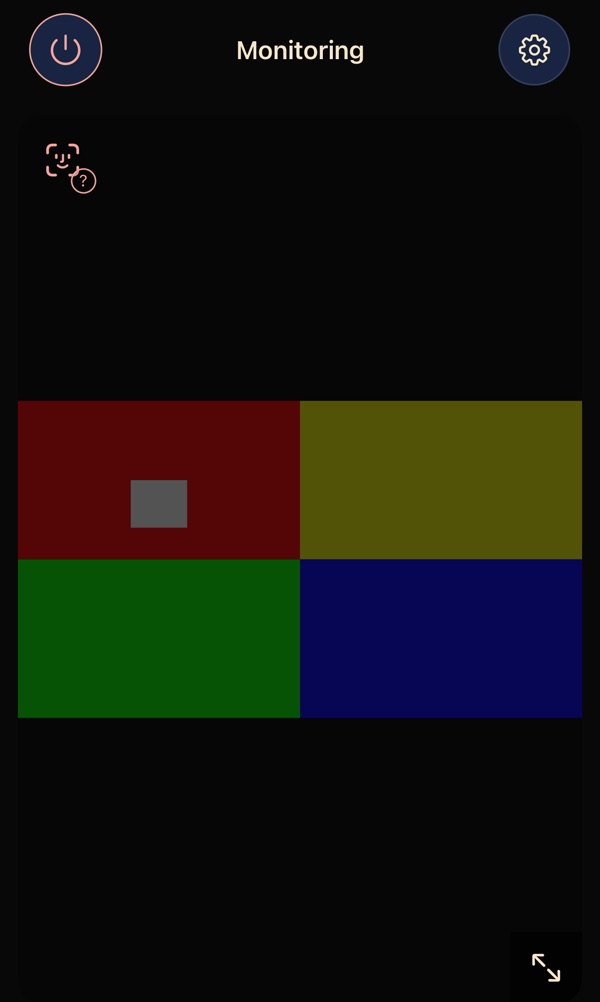
The phone in the nursery running BubCue: Monitoring, with a generated example picture of the cot, dimmed so the screen stays dark.
In the nurserywatching the cot
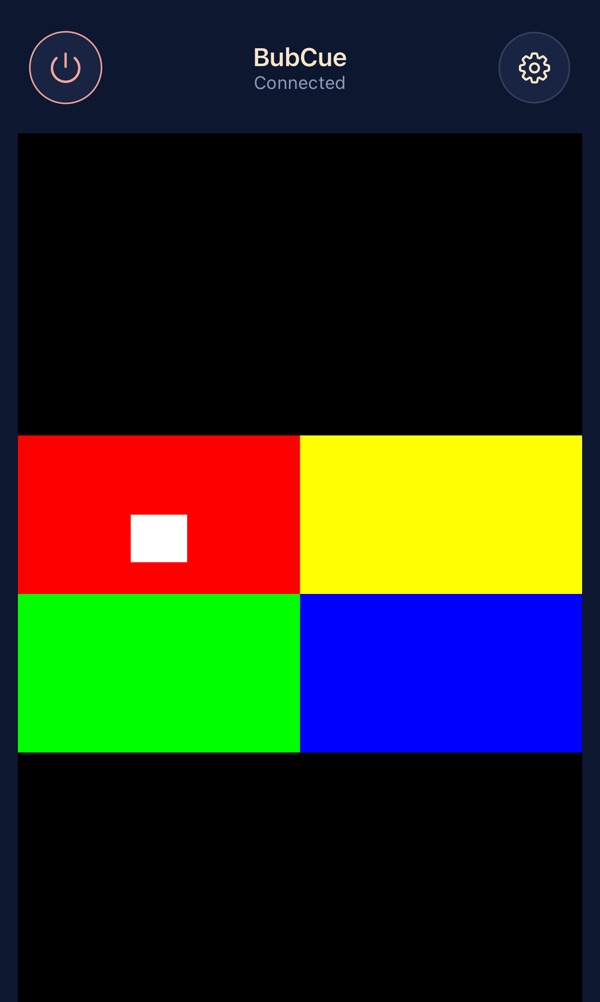
Your phone running BubCue: Connected, with a generated example picture of the cot.
With youat home or away

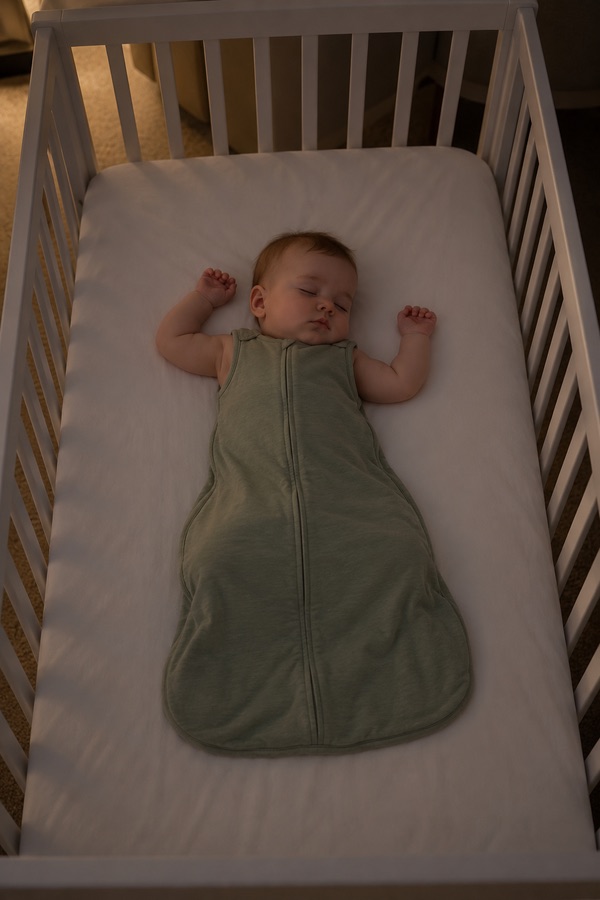
BubCue development screens with an AI-generated nursery image. Not a recorded monitoring session.

What you need

Two phones: one stays in the nursery, one stays with you. An older phone can do the job in the nursery.

Installs on

iPhone with iOS 16.4 or later and 64-bit Android 9 or later. A phone that meets these may still work differently from the phones we test on; see which phones work.

Privacy

Video goes directly between your devices, encrypted. No ads and no third-party analytics in the app.

Price

Our current plan is an annual subscription for monitoring, with no separate subscription for invited viewers. Pricing and purchase terms are not final.

How it works

Three steps, from installing to watching.

  1. 1. Set up the nursery phone

    Install BubCue and choose “Monitor a room”. Stand the phone outside the cot, with the phone and cable out of reach, and plug it in.

  2. 2. Pair your phone

    On your phone choose “Watch a monitor” and scan the QR code on the nursery phone, with both on your home Wi-Fi.

  3. 3. Watch and listen

    See and hear the room from your phone. Before bed, play “Test alert sound & vibration” to check your phone’s sound is up.

For the way your family lives

Across the hall. Across the country.

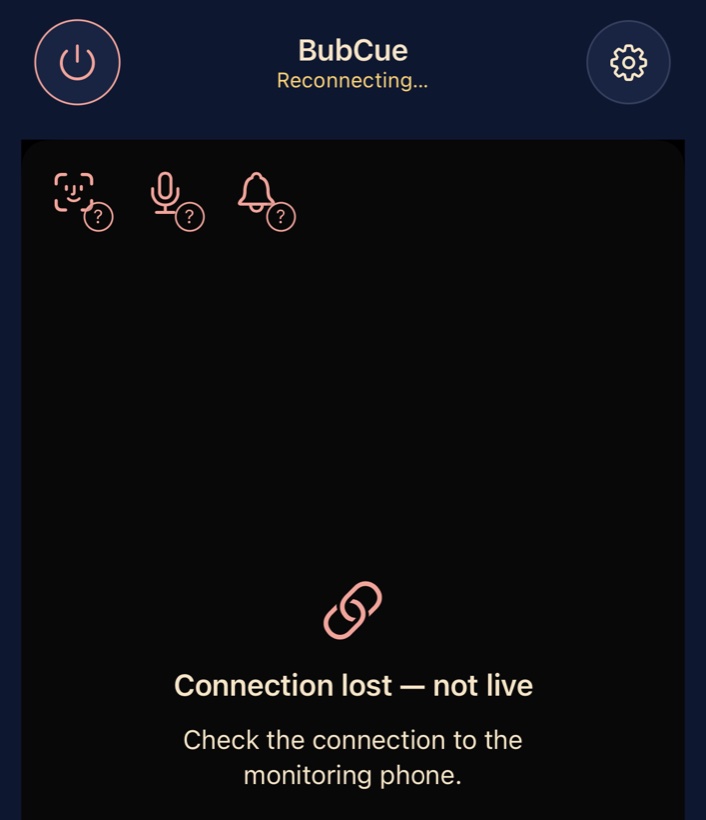
Your phone when the connection drops: Reconnecting. Connection lost — not live. Check the connection to the monitoring phone.

When the Wi-Fi blinks.

No frozen picture pretending to be live

Routers restart and Wi-Fi blinks. After a short drop, your phone reconnects to the nursery on its own. If it can’t, it says “Connection lost — not live” instead of showing a still picture, plays a sound and vibrates, and reminds you about every minute until the connection is back. A chime plays once it is.

Good to know: while it’s disconnected, other alerts can’t reach your phone. When your phone receives the nursery phone’s Stop, the reminders end; if it can’t confirm the Stop, it tries to keep reminding you about every minute until you tap Stop watching. Closing BubCue on your phone stops the reminders. If the nursery phone switches off or BubCue is closed on it, it doesn’t restart on its own.

More about status and warnings
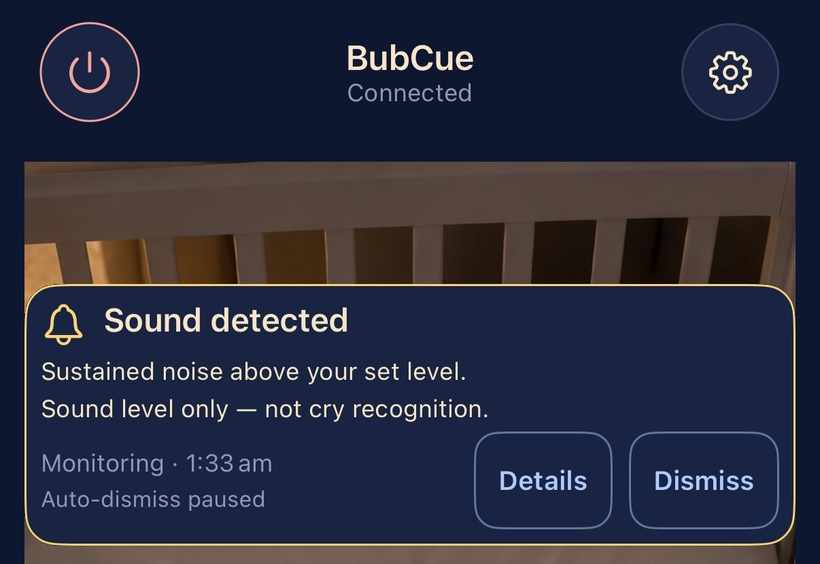
A Sound detected card on your phone, over a generated example picture of the cot: Sustained noise above your set level. Sound level only — not cry recognition.
BubCue development screen with an AI-generated nursery image. Not a recorded monitoring session.

In the small hours. You’re asleep, at last.

A tone when the nursery gets loud

When sound in the nursery stays above the level you chose, your phone plays a tone, vibrates and shows a card, even with BubCue in the background. You decide how sensitive it is, how long the sound must last and how much quiet time comes between alerts.

Experimental

Cry alerts listen for sound that resembles crying, on the nursery phone itself.

Good to know: sound alerts respond to sound level, not crying, and cry recognition is experimental and can miss or mistake sounds. Your phone’s volume, Focus or Do Not Disturb can stop you hearing an alert.

More about alerts

Across the hall. Across the country.

Invite your people to watch

On the nursery phone, tap Share invitation and send the link in a message or an email. Grandparents in another city, the babysitter on date night or your partner at work install BubCue, open the link, tap Open BubCue and watch. Under our current plan, invited viewers don’t need their own subscription.

They can watch, listen and talk to the baby. Only the nursery phone can stop monitoring or invite someone else, and it lists every connection, so you can remove a viewer who joined in the BubCue app.

Good to know: two viewers can watch at a time, and your own phone counts as one. Each invitation works for one phone and ends when monitoring stops, so you send a new one next time. Sharing an invitation and watching from somewhere else both need internet, and some networks don’t allow the direct connection BubCue uses, so it may not work from everywhere. Anyone with an unused invitation can join, so send it only to people you trust.

More about family and viewers

Illustration with an AI-generated nursery image, not an app screen.

The baby’s down. Dinner’s on.

Picture-in-picture over your other apps

Switch to your recipe, messages or maps, and the live video keeps playing in a small picture-in-picture window on top, with the sound on. Lock your phone and you still hear the room.

Good to know: in the nursery, an iPhone stays open with its screen on (locking it pauses monitoring), while an Android phone can monitor with its screen off. Some phones let you turn the small window off in their settings. Alerts don’t appear as lock-screen notifications, and closing BubCue on your phone stops its sound and alerts.

What keeps working at night
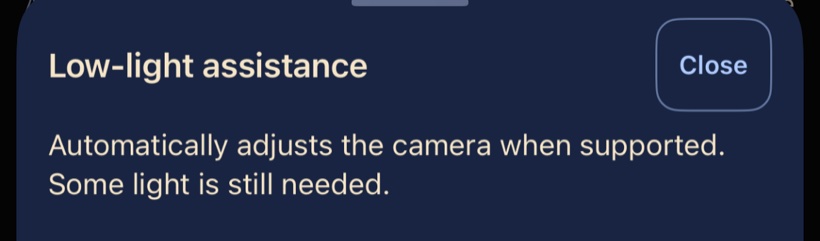
Low-light assistance: Automatically adjusts the camera when supported. Some light is still needed.

Lights down for bedtime.

Made for dim rooms

Low-light assistance adjusts the camera automatically when the phone supports it. The nursery phone’s own screen stays near-black, and can dim its preview further, so it doesn’t light up the room.

Good to know: phone cameras have no infrared night vision. Some light, such as a night light, is still needed. How well it works varies between phone makers and models.

More about night and placement

That phone in the kitchen drawer.

A second life for an old phone

Any compatible phone can be the nursery phone. If there’s an older one in a drawer, BubCue gives it a new job, so there is no separate monitor to buy.

BubCue installs on iPhones with iOS 16.4 or later and on 64-bit Android phones with Android 9 or later. We’ve done most of our iPhone testing on an iPhone 12 mini from 2020, and one of the Android phones we test it on came out in 2016. A phone that meets these requirements may still work differently from the phones we test on.

Good to know: keep an older phone plugged in all night. Don’t use a phone or charger that is damaged, swollen or unusually hot, and follow the phone maker’s charging instructions. One feature needs a newer phone: face visibility isn’t available on Android 9. When a phone does reach the end of its life, MobileMuster recycles mobile phones in Australia.

Will my old phone work?
23 million
unused phones are sitting in Australian drawers, by MobileMuster’s estimate. MobileMuster, May 2026
5.3 billion
mobile phones were expected to go out of use worldwide in 2022, and experts expected most to end up in drawers or in the bin. WEEE Forum, October 2022

Your baby’s video, shared by your choice

Only devices with your QR code, browser link or invitation can watch, and the video goes straight to them, encrypted. A company should not hold your baby’s video, so BubCue never receives it.

Direct and encrypted

Live video and sound go straight between your devices. No relay, and no copy on a BubCue server.

You decide who can join

A device joins with the nursery phone’s current QR code, its browser link or an invitation, without asking you first, so share them only with people you trust. Access ends when monitoring stops.

Live video is not recorded

BubCue does not record or save the live video or sound. The only recordings are voice clips you choose to record for Soothe.

Analysis in the nursery

Audio and image analysis runs only on the phone in the nursery. No cloud AI service, and no ads or third-party analytics in the app.

How privacy and security work

A father of two. A very personal why.

The founder of BubCue

BubCue began with the things I care about most: my children, and the privacy of our family life.

As a dad of two working in IT, I wanted to build a monitor around a simple belief: technology can bring us closer while keeping us in control of who we share our most personal moments with.

Read our story

Also in BubCue

A familiar voice from the next room

Hold Talk and your voice plays on the nursery phone’s speaker.

Good to know: your own listening is silenced and sound alerts pause while you talk.

More about talk

White noise, lullabies or your voice

Start soothing from your phone, set a timer, and stop it when you like.

Good to know: soothing may mask crying, and sound alerts pause while it plays.

More about Soothe

What happened overnight

Activity shows each alert with its time, and any time the camera, microphone or alerts were unavailable.

Good to know: it is not a sleep log: a quiet period does not mean asleep.

More about Activity

Our current pricing plan

Monitoring

Annual subscription

Our current plan is an annual subscription for monitoring.

Watching

No separate subscription

Under our current plan, invited viewers, including your own phone, your partner, grandparents and sitters, don’t need their own subscription. Watching away from home uses your internet or mobile data.

Pricing and purchase terms are not final.

What BubCue is not

So you can decide with the full picture.

  • Not a medical device. It works from the phone’s camera and microphone, with no sensor pad or wearable, and does not measure your baby’s breathing, heart rate, oxygen, movement or temperature.
  • It does not detect, diagnose or prevent any condition, including SIDS.
  • Not getting an alert, or a quiet picture, does not mean your baby is safe, asleep or well. Check on your baby in person.
  • It does not know why a baby cries. The cry-type guess (“Might be hungry?”): Experimental guess. Development testing has not demonstrated reliable identification of hunger or tiredness. Independent confirmatory validation has not been completed. The guess can be wrong.
  • Face visibility (experimental) can miss a hidden face, and its real-world detection performance has not been established. It never shows that a baby is fine.
  • No lock-screen alert notifications: alerts reach you only while BubCue is connected.
  • No infrared night vision. Some light is needed.
  • One camera, up to two viewers at a time, and no talk from a web browser.
  • It does not record or keep the live video.

See where BubCue is up to

For iPhone and Android, with the phones you have.